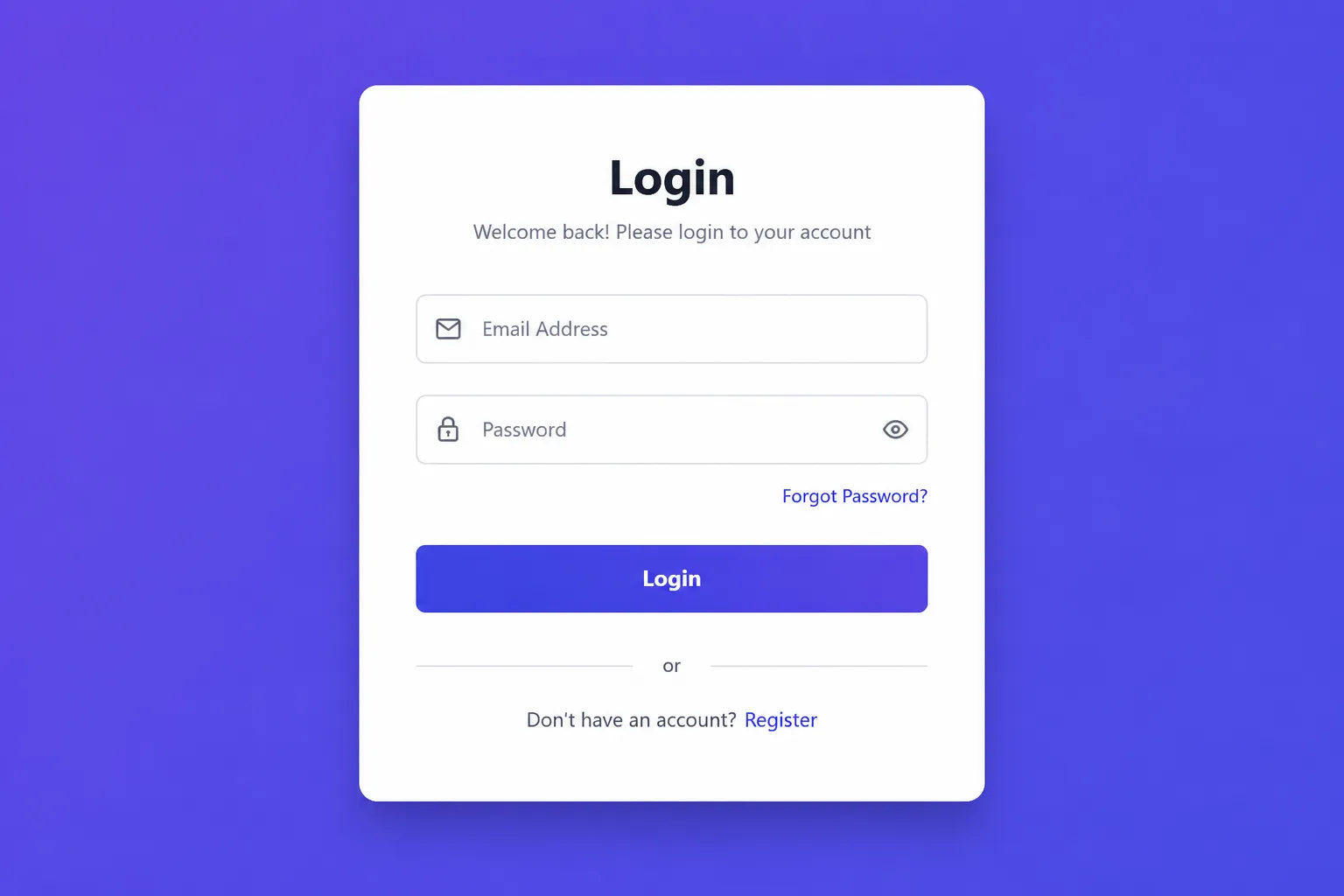
Learn how to create a beautiful responsive login form using only HTML and CSS. This beginner-friendly tutorial includes complete source code, a live demo, and a GitHub repository.
A login form is one of the most common components used in modern websites and web applications. In this tutorial, you'll learn how to create a clean and responsive login form using only HTML and CSS.
This project is perfect for beginners who want to improve their frontend development skills without using JavaScript or any CSS framework.
By the end of this tutorial, you'll have a professional-looking login form that works well on desktops, tablets, and mobile devices.
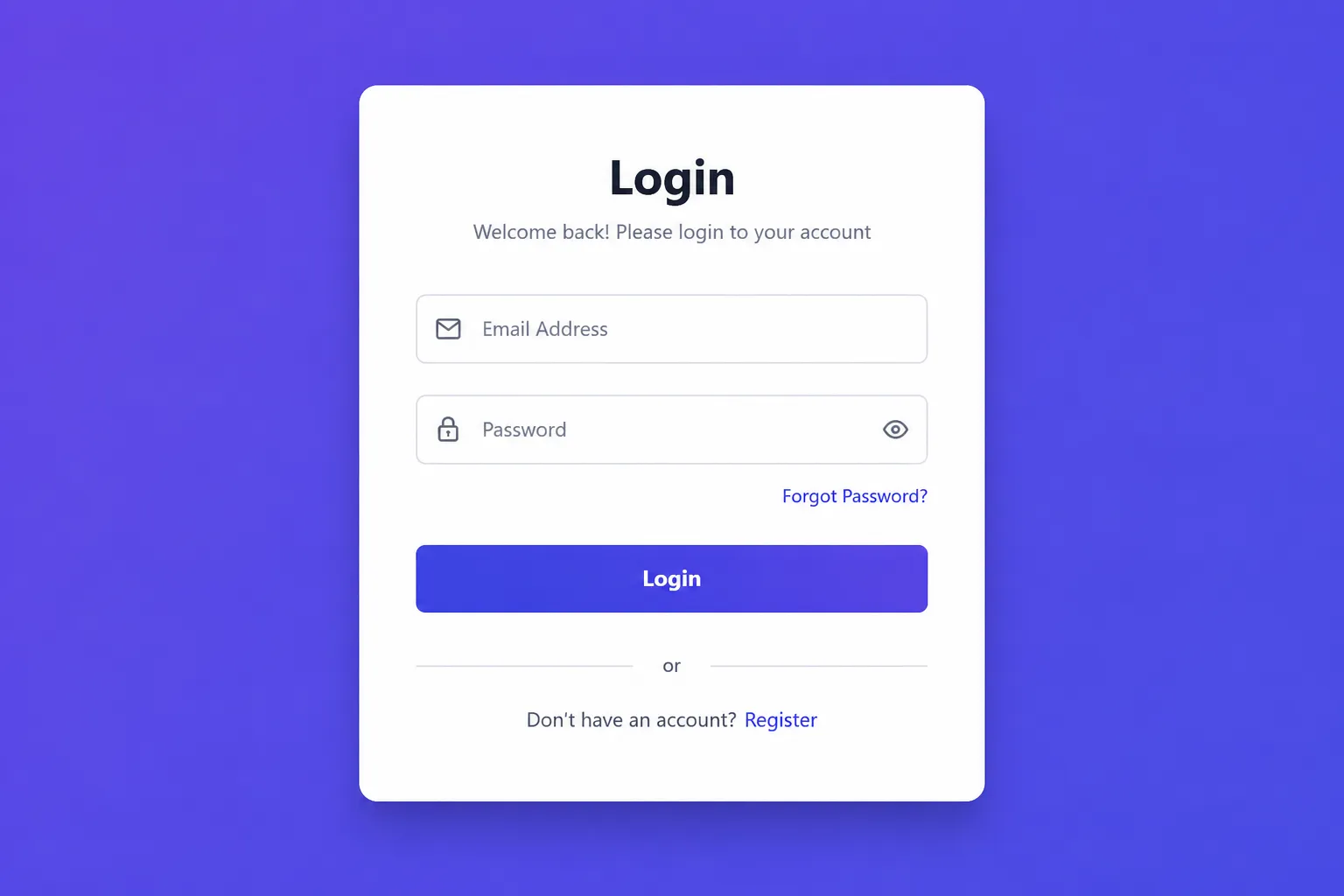
What You'll Build
- Modern Login Form
- Responsive Layout
- Email & Password Fields
- Login Button
- Forgot Password Link
- Clean UI Design
- Mobile Friendly
- Pure HTML & CSS
Project Structure
HTML Code
CSS Code
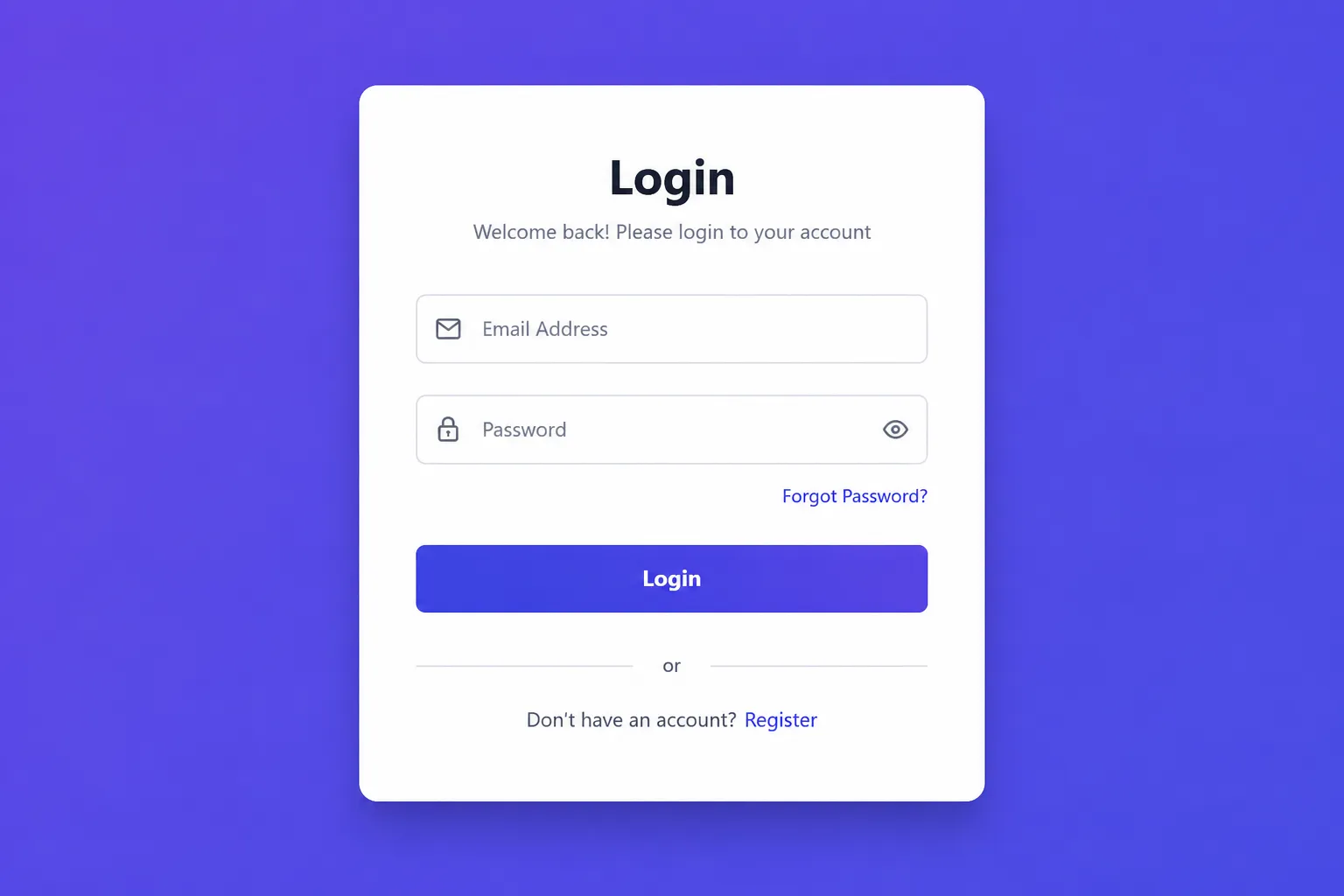
Output
How It Works
The entire layout is created using Flexbox, allowing the login card to remain centered on every screen size.
The input fields use a clean border with a focus effect, making the interface more interactive. The button includes a smooth hover transition for a modern user experience.
A media query ensures the form remains responsive on smaller devices by reducing the padding.
Browser Support
- Google Chrome ✅
- Microsoft Edge ✅
- Firefox ✅
- Safari ✅
- Opera ✅
Features
- Responsive Design
- Beginner Friendly
- Clean UI
- Lightweight
- Easy to Customize
- Pure HTML
- Pure CSS
- No JavaScript
- Cross Browser Compatible
Customization Ideas
- Add Google Login
- Add Password Show/Hide
- Add Remember Me Checkbox
- Add Dark Mode
- Add Background Image
- Add Glassmorphism Effect
- Connect with Backend
- Add Form Validation
Live Demo
🚀 Click the Live Demo button to preview the project in your browser.
Source Code
📁 Download the complete source code from GitHub and customize it for your own projects.
Conclusion
Congratulations! You have successfully created a modern responsive login form using only HTML and CSS.
Although this project is simple, it introduces several important frontend concepts such as Flexbox, responsive layouts, spacing, hover effects, and reusable UI components.
You can continue improving this project by adding JavaScript validation, backend authentication, or integrating it into a React application.
Keep practicing by building more UI components, and you'll quickly become more confident in HTML and CSS.
“"The best way to master frontend development is by building real-world UI components one project at a time."”
Build Faster with Modern Web Stack SS
Explore curated templates, boilerplate kits, and verified libraries for rapid React & Next.js production delivery.
Written by
SriKode Team
Practical, hands-on web development tutorials, architecture patterns, and open-source starter kits built for modern developers.
Build Faster with Modern Web Stack SS
Explore curated templates, boilerplate kits, and verified libraries for rapid React & Next.js production delivery.